If you already have a client list in a spreadsheet, you can import them all at once using a CSV file instead of adding each one manually.
Importing your clients
- 1
Go to Clients
Click on Clients in the left sidebar to open your client list.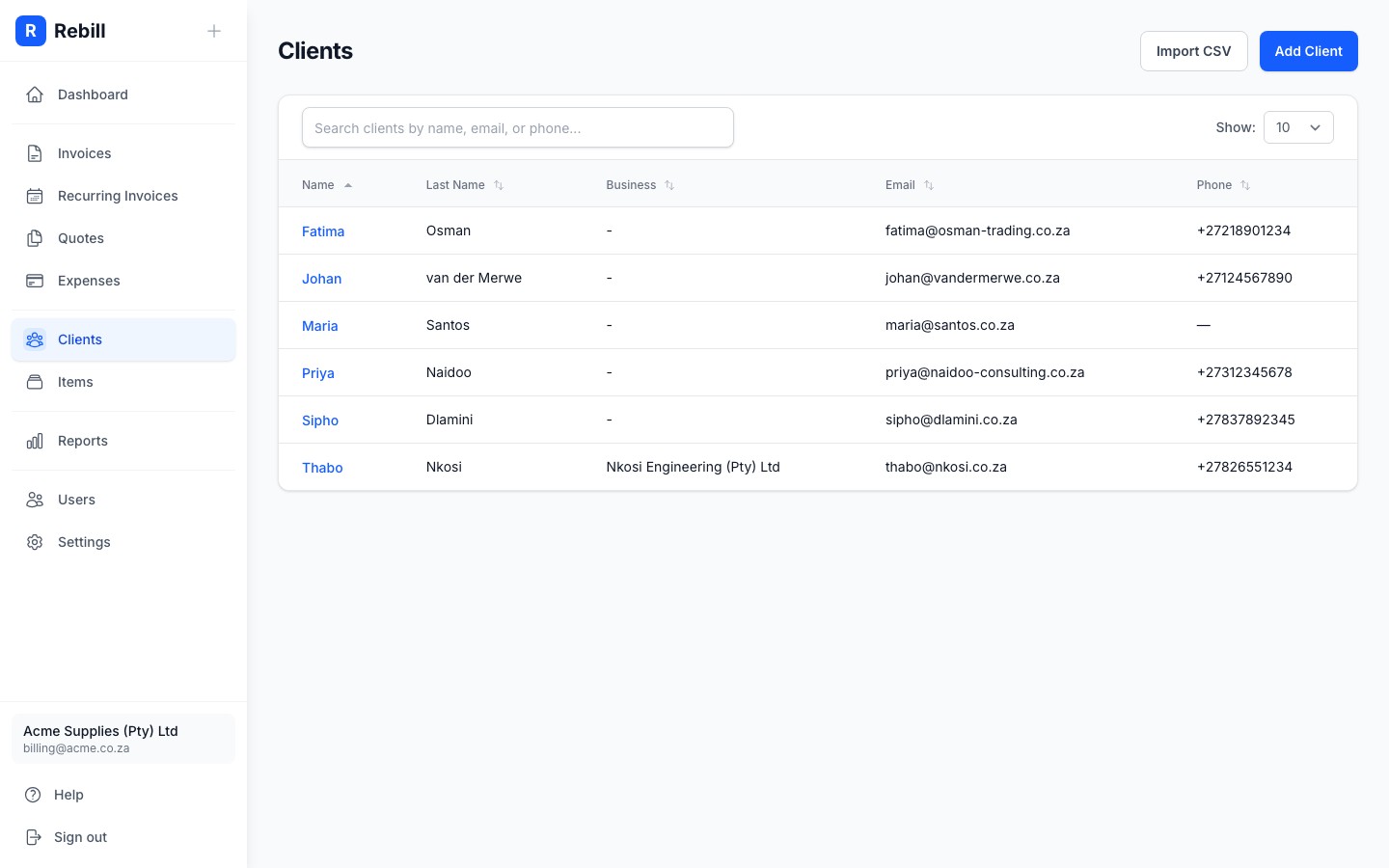
- 2
Click "Import CSV"
Click the "Import CSV" button at the top right of the page, next to the "Add Client" button.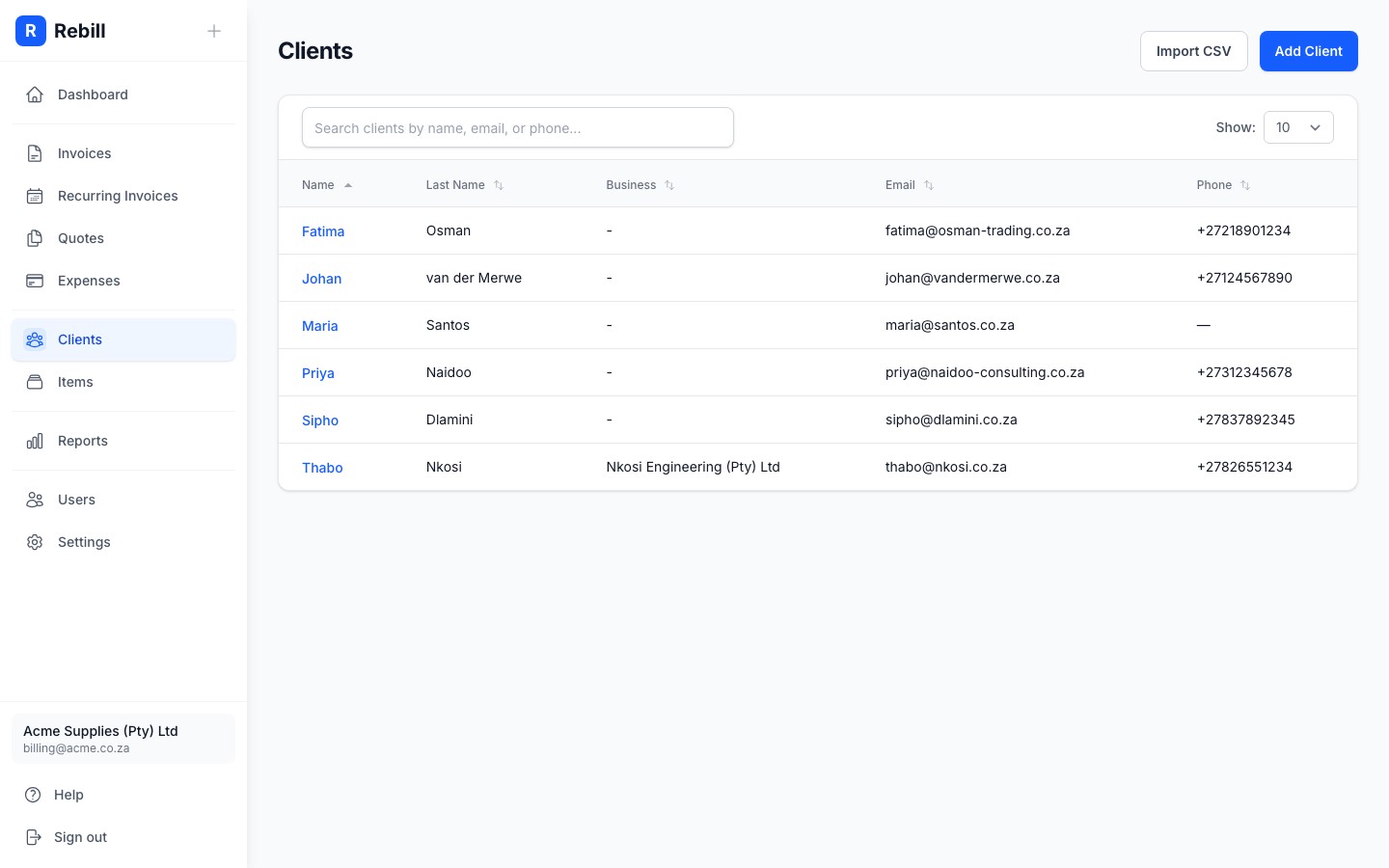
- 3
Download the template
Click "Download CSV template" to get a pre-formatted file with the correct column headers. Open it in Excel, Google Sheets, or any spreadsheet app.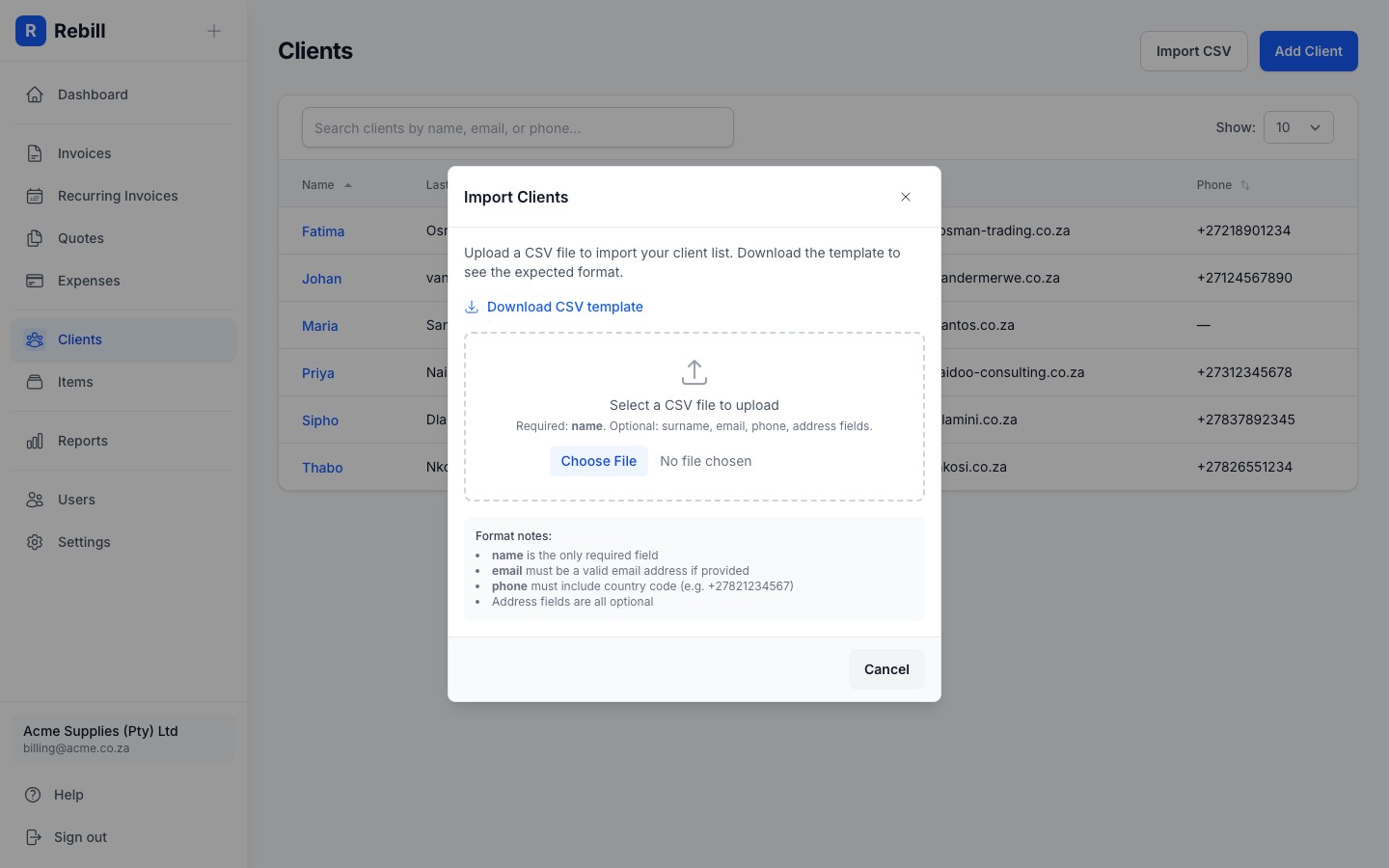
- 4
Fill in your client data
Add one client per row. The available columns are:- name (required) - the client's first name
- surname - last name
- business_name - company or business name
- email - must be a valid email address if provided
- phone - must include the country code (e.g. +27821234567)
- street_1, street_2, city, province, postal_code, country - billing address fields
- 5
Upload and preview
Back in Rebill, select your CSV file. The importer will parse your file and show a preview of all the rows. Any validation errors will be highlighted in red so you can fix them before importing.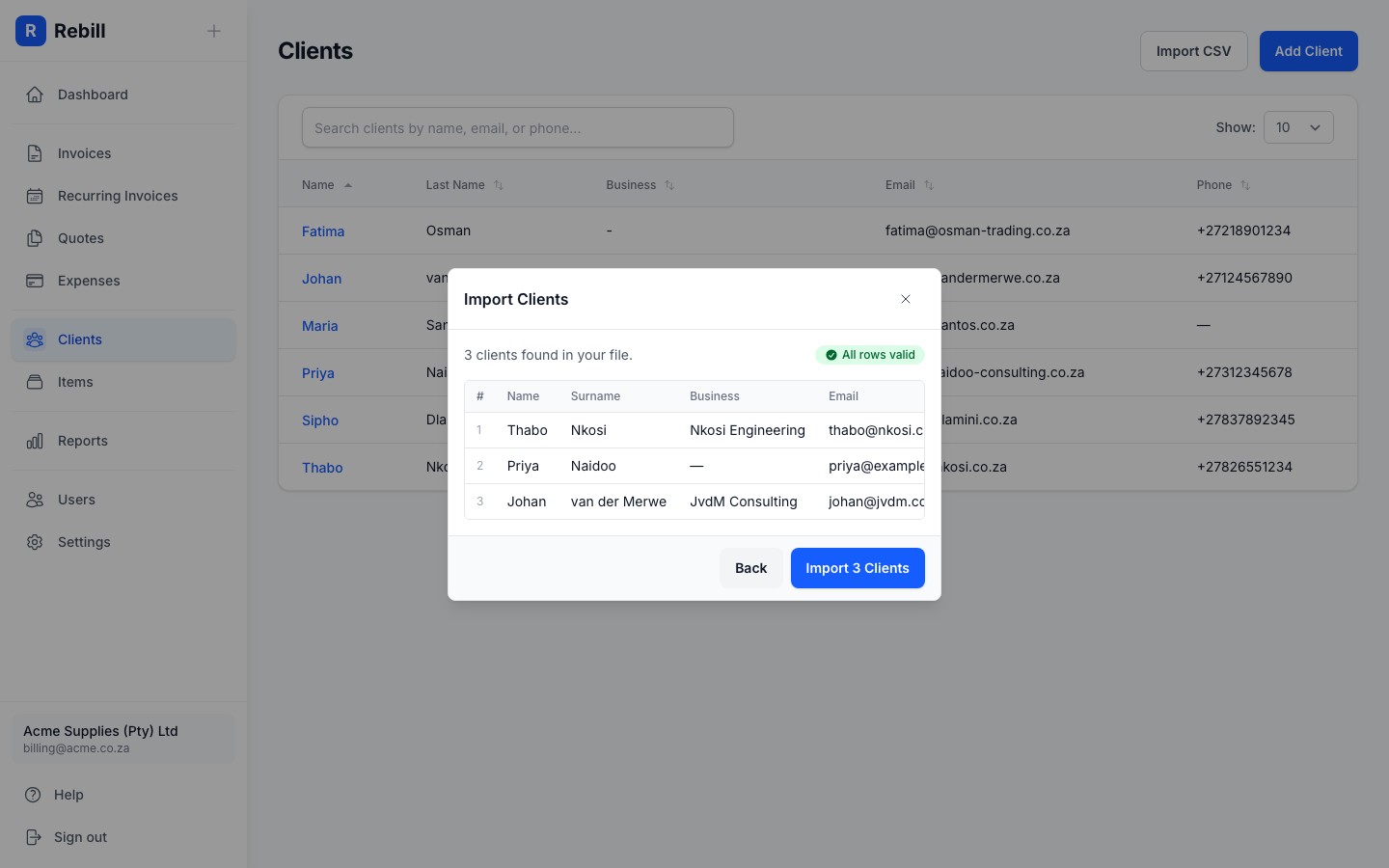
- 6
Import
If all rows are valid, click the "Import" button. All clients will be created at once. If any row has an error, none will be imported until you fix the issue.
All or nothing
The import is all or nothing. If any row has a validation error (such as a missing name or invalid email), no clients will be imported. Fix the errors in your CSV file and upload it again.Preparing your data
If you are exporting from another system (like QuickBooks, Xero, or Excel), you may need to adjust the data before importing:
Phone numbers
Phone numbers must be in international format with a country code. For South African numbers, replace the leading 0 with +27. For example, 082 123 4567 becomes +27821234567. The importer will try to do this automatically for 10-digit numbers starting with 0.Email addresses
Email addresses are automatically lowercased and trimmed of whitespace. If an email address is invalid, the row will be flagged in the preview.Free plan limits
Free accounts have a limit on the number of clients. If your import would exceed this limit, you will be prompted to upgrade to a premium plan before importing.